
Bulk Invoice Creation for Multiple Cases
Managing invoices one case at a time can slow down operations and increase the risk of errors. With bulk invoice creation in EasyEviction, users can generate invoices for multiple cases in a single workflow. This feature helps teams save time, reduce manual effort, and maintain accuracy by centralizing uninvoiced billable items and allowing flexible invoice generation based on specific business needs.
1. Navigate to the Bulk Invoices Page
There are two ways to access the Bulk Invoices Page:
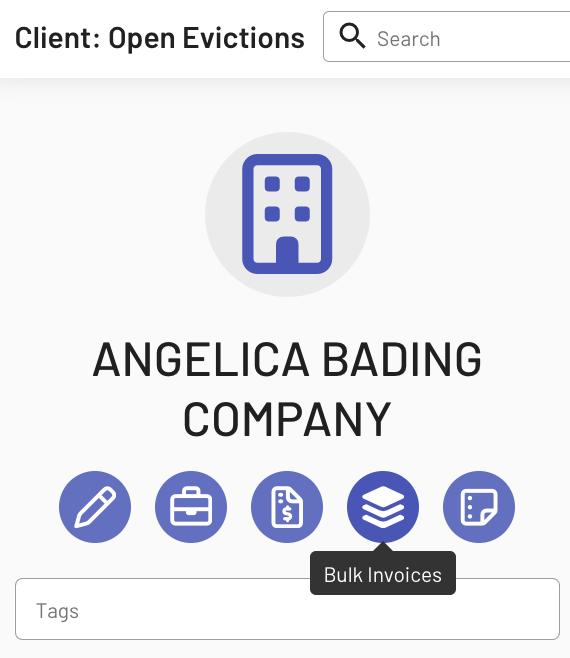
a. Go to Contacts, select a specific client, then click the “Bulk Invoices” widget; or
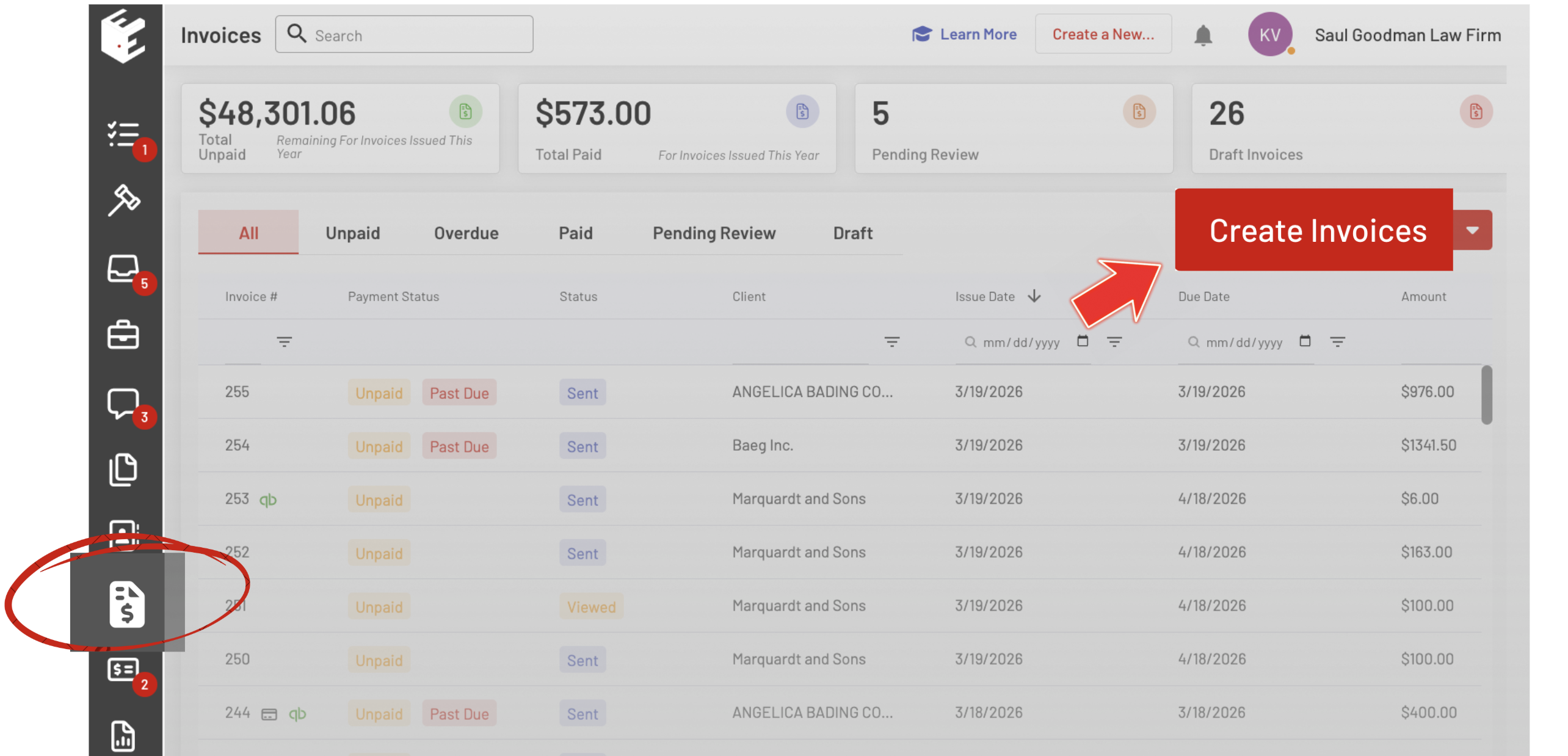
b. Open the Invoices widget and click Create Invoices button.
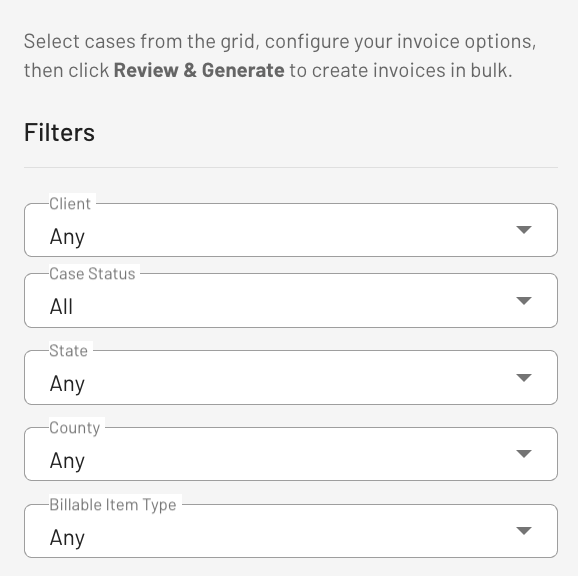
2. Apply Filters
Refine your list of cases using the available filters.
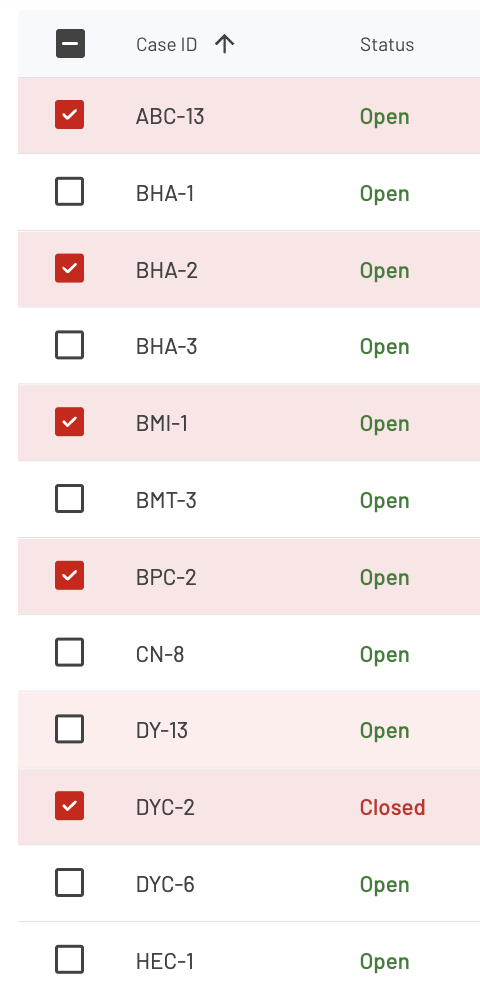
3. Select Cases
Choose the cases you want to include in the invoice generation process. You can select multiple cases at once for batch processing.
4. Set Invoice Preferences
Configure how your invoices will be generated:
- Invoice Structure Options: All billable items on one invoice, One billable item per invoice, or One invoice per case
- Target State: Draft, Pending review, or Send
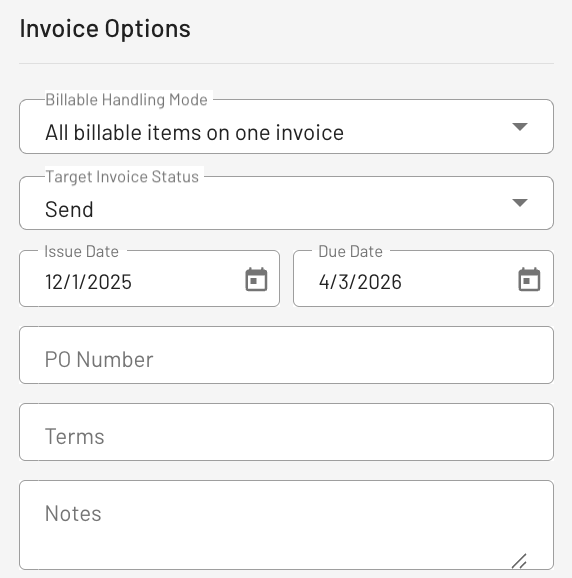
5. Review Bulk Invoice Generation
Click the Review & Generate button below to review your customized invoice.
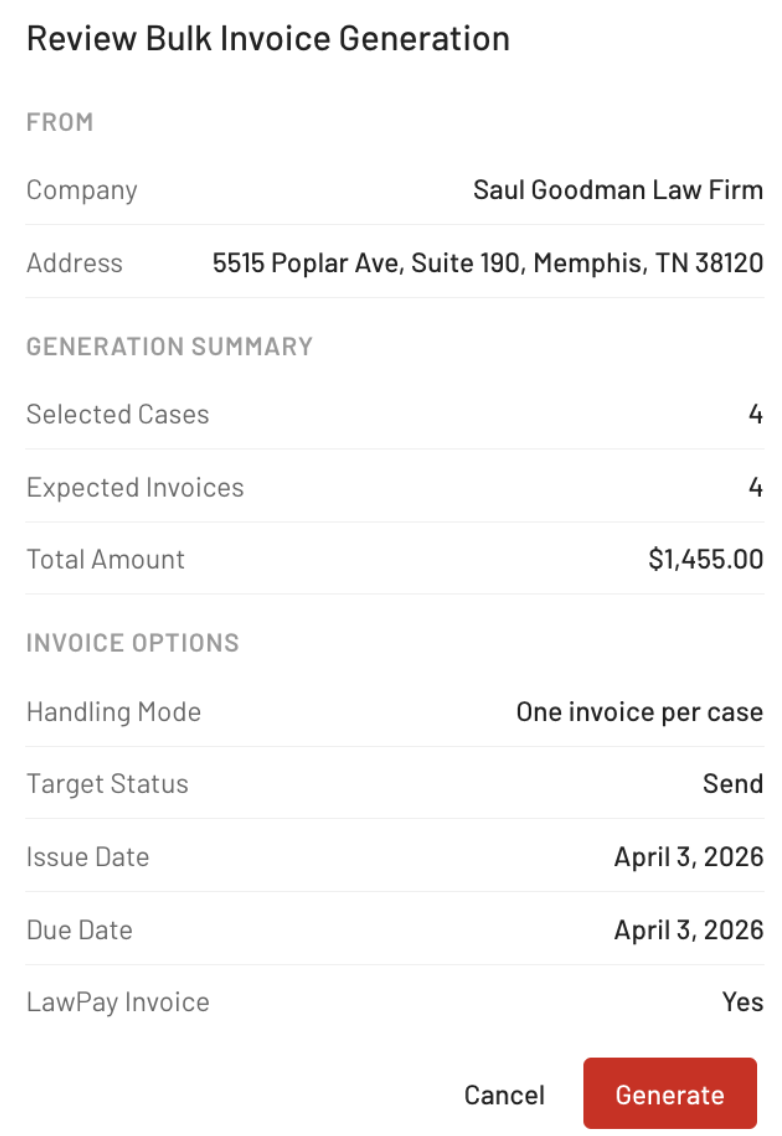
Ensure Accuracy with Built-In Logic
The system automatically applies idempotency logic, ensuring that each billable item is only included once and never duplicated across invoices.
6. Generated Invoice Identification
After Generating your customized invoice, it will then issue specific invoice number/s.
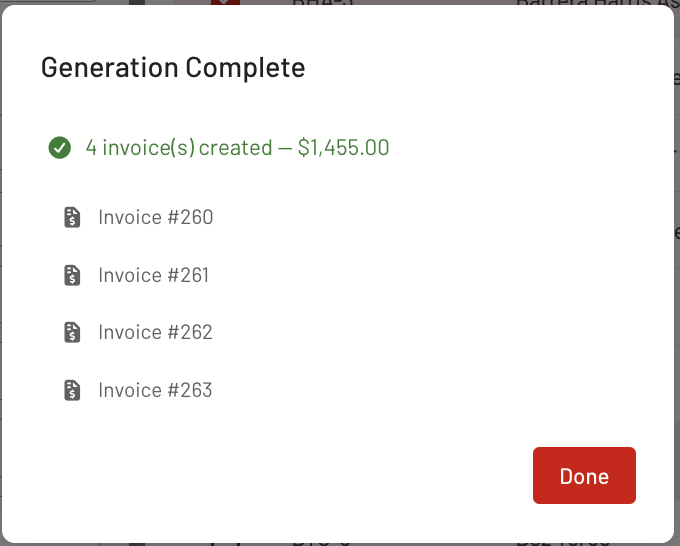
7. Locate and View Your Generated Invoice
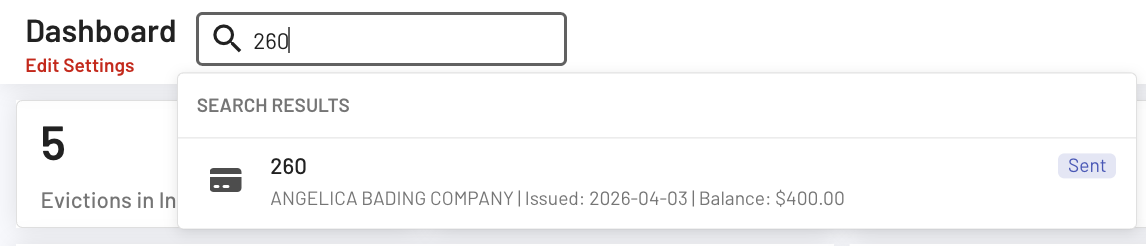
You can navigate to the Invoices page or enter the invoice number in the search bar to quickly locate and view the generated invoice/s.
Bulk invoice creation in EasyEviction makes it easier to handle billing across multiple cases by reducing manual work and improving consistency. With flexible options and built-in safeguards, it allows teams to generate and manage invoices efficiently while maintaining accuracy.
If you have any questions or need further assistance, please contact our support team.